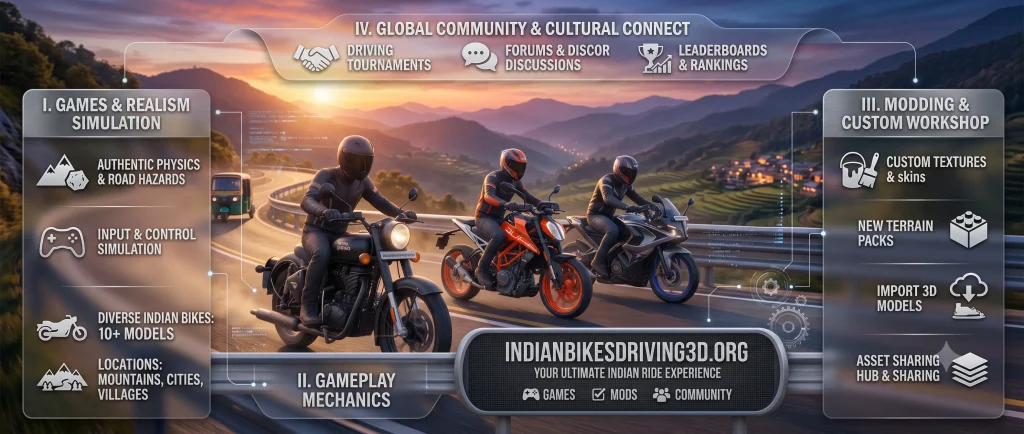
Download Indian Bikes driving 3d for PC and enjoy the seamless game experience with bigger screen without any lagging.It gives you easy controls.More details about the pc version of Indian bikes driving 3d for pc is given below.
Minimum Requirements for Playing Indian Bikes driving 3d for PC
OS: Windows 10 or Windows 11
Storage: Solid state drive (SSD) with 10 GB of available storage space
Graphics: IntelⓇ UHD Graphics 630 GPU or comparable
Processor: 4 CPU physical cores
Memory: 8 GB of RAM (Random Access Memory)
Windows admin account not user account
Hardware virtualization should be turned on
Game Controls in PC
Steering or Movement
Press W: To accelerate the vehicle.
Press S: To apply Brake or stop the vehicle.
Press A: To Turn vehicle left.
Press D: To Turn vehicle right.
Press F: To Enter Vehicle
Press F: Exit vehicle
Press Spacebar: HANDBRAKE
On Foot Controls
Mouse: Move Mouse to look around
Left click on Mouse: Left click for attacking someone.
Right click on Mouse: Right Click for weapon’s aim.
Spacebar: To jump.
Shift: Sprint (to run fast)
Required Permissions for Indian Bikes driving 3d Pc
This app needs access to:
Photos/Media/Files
Read or scan the files of your USB storage
change or remove the contents of your USB storage
Storage
read the contents of your USB storage
manage the data of your USB storage
Other
should be able to see internet connections
full internet access
control vibration
stop pc from sleeping or shutting down automatically.
How to use cheat codes in Indian bikes driving on Pc?
To use cheat code in indian bikes driving 3d for pc version on PC you should follow the steps which are given below:
Press the Tab key (above shift button) or click the phone icon which can be seen on game screen.
Then click dial icon
Type your cheat code. You can do this with keyboard and even with mouse whichever you like.
After entering the cheat code in dial pad, you will see green Button with label call.
Click on call button.
That’s it, your cheat code is activated.
Data Safety
Your collected data is not shared with any third parties.